Create a GitHub account
If Git is the engine, GitHub is the fuel station and the social network for developers. To contribute to CodeHarborHub projects, participate in Open Source, or host your portfolio, you need a GitHub account.
To get started with GitHub, you need to create a GitHub account. If you already have a GitHub account, you can skip this step.
Step 1: The Sign-Up Process
-
Go to GitHub and click on the "Sign up" button.
https://github.com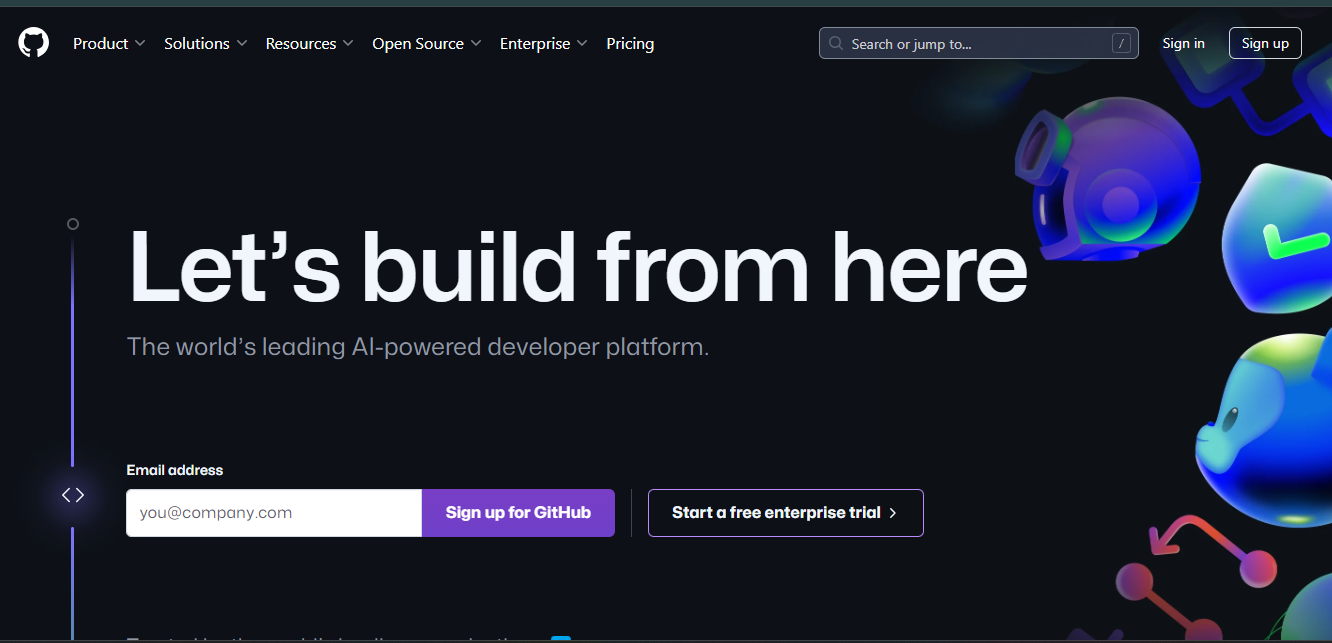
-
Enter your email address, choose a username, and create a password.
https://github.com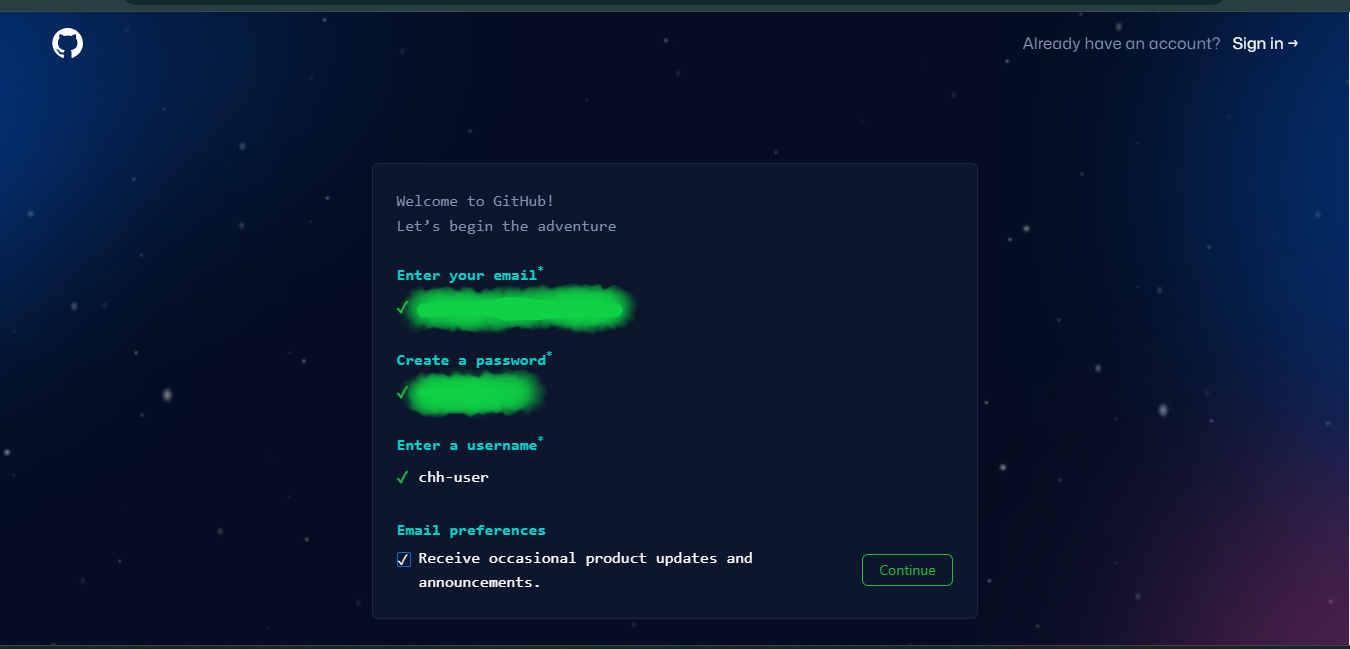
-
Click on the "Create account" button.
-
Verify your email address.
You will receive an email from GitHub with a link to verify your email address. Click on the link to verify your email address.
https://mail.google.com/mail/u/...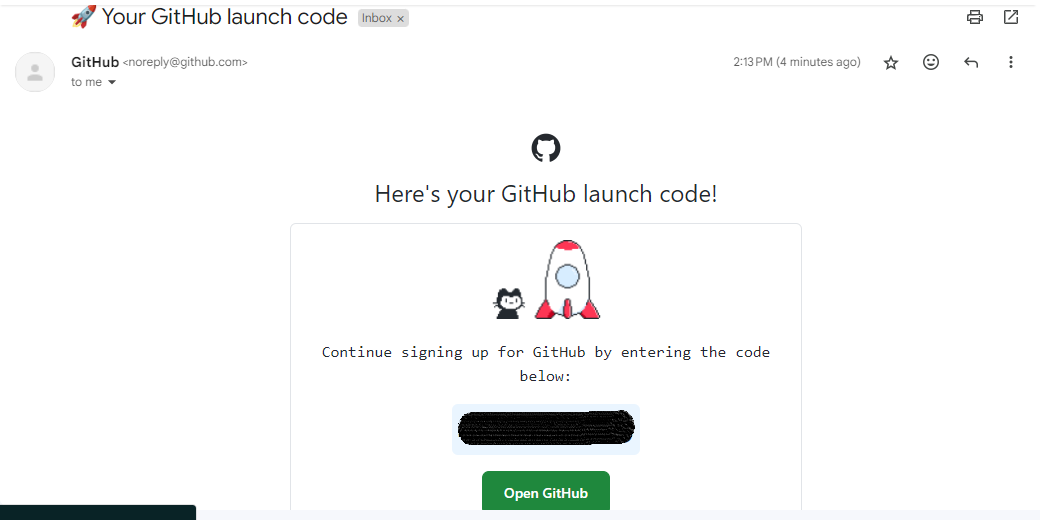
-
Congratulations! You now have a GitHub account.
https://github.com/chh-user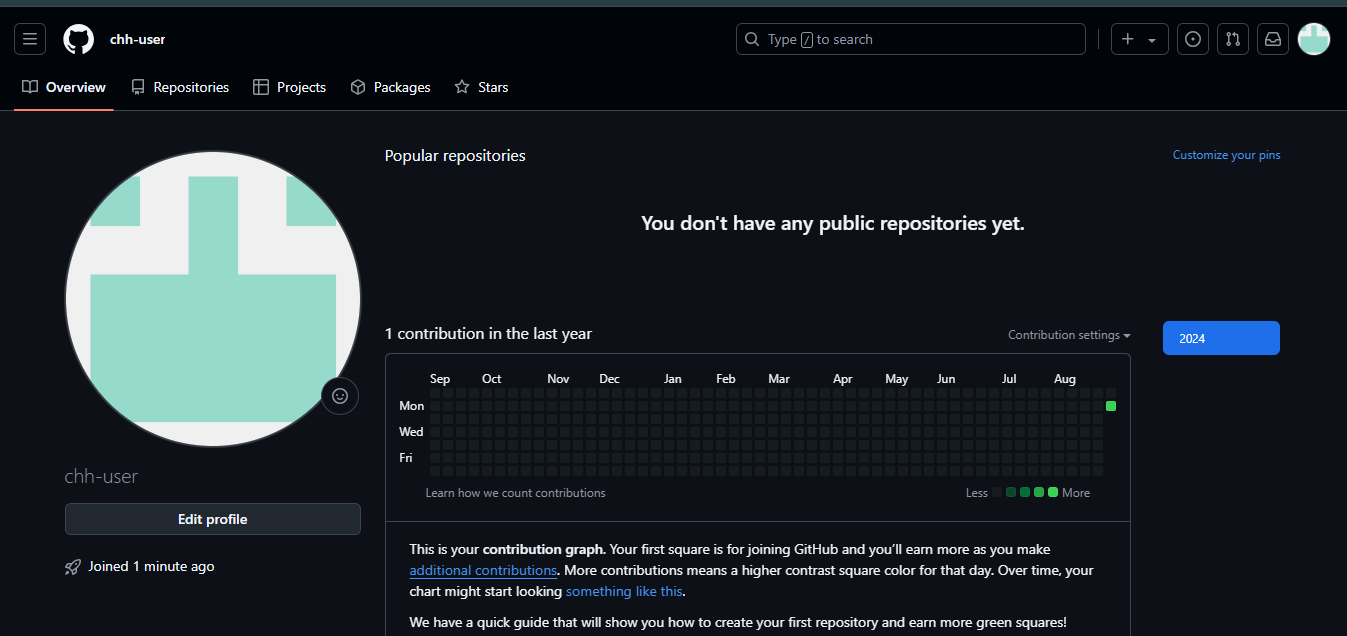
Now that you have created a GitHub account, you can start using GitHub to collaborate with others, contribute to open-source projects, and build your portfolio.
Step 2: Setting Up a Professional Profile
At CodeHarborHub, we want your profile to look "Industrial Level" from Day 1. Recruiters look at your GitHub before they look at your Resume!
Essential Profile Checklist:
- Profile Picture: Use a clear, professional headshot.
- Bio: Write a one-sentence summary of who you are.
- Example: "Full-Stack Developer | Founder of CodeHarborHub | Passionate about Open Source."
- Location: Add your city/country (e.g., Madhya Pradesh, India).
- Social Links: Link your LinkedIn, Twitter, or personal portfolio website.
Understanding the "Green Squares"
Once your account is created, you will see a grid called the Contribution Graph.
These squares represent your hard work. The more you code and contribute to projects like CodeHarborHub, the greener your graph becomes! Recruiters love to see a consistent contribution graph because it shows dedication and passion for coding.
Step 3: Enabling 2FA (Security)
Security is a core DevOps principle. GitHub now requires Two-Factor Authentication (2FA) for all active developers.
- Click your profile picture Settings.
- Go to Password and Authentication.
- Click Enable two-factor authentication.
- Use an app like Google Authenticator or Authy.
Download your Recovery Codes and save them in a secure place (like Google Drive or a physical notebook). If you lose your phone and your codes, you lose your account forever!
Why GitHub is the "Developer's Portfolio"
| Feature | Why it matters to you |
|---|---|
| Repositories | Shows the world the projects you have built. |
| Pull Requests | Proves you can collaborate with other developers. |
| Stars | Like "Likes" for code—shows which projects are popular. |
| Gists | Great for sharing small snippets of code or notes. |
Your First Task
- Create your account.
- Follow the CodeHarborHub Organization on GitHub.
- Take a screenshot of your new profile and share it with the community!